Digital Marketing
How to write meta tags that actually get read
A practical guide to writing page titles and meta descriptions that earn clicks — and how Zumper's free meta tag generator keeps them consistent across a site.
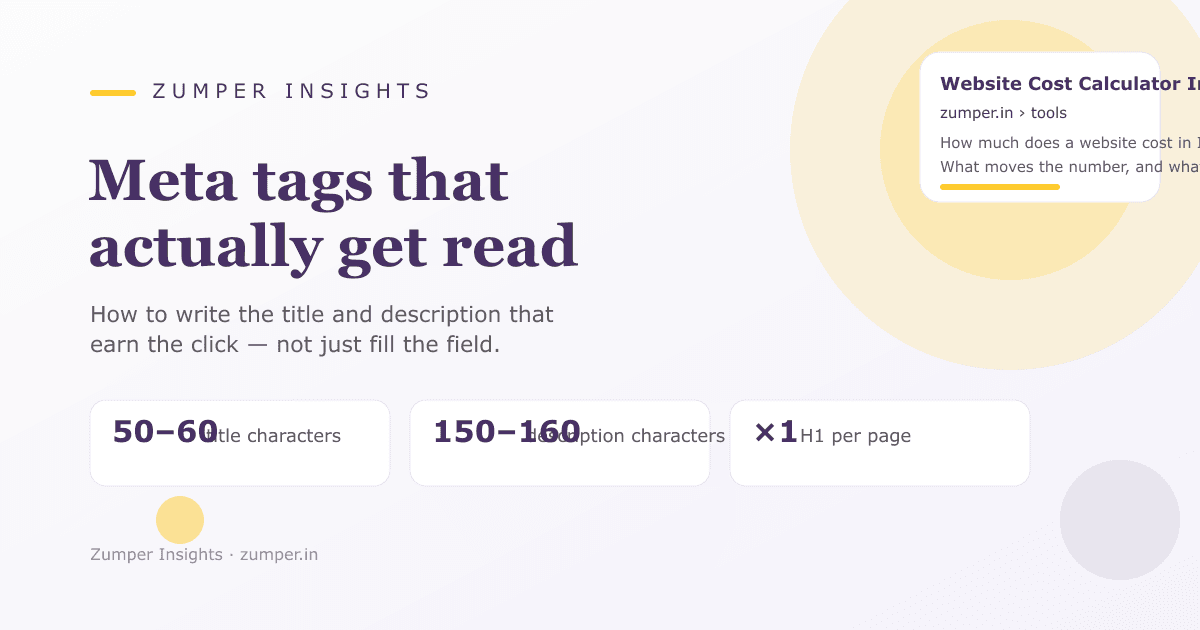
In short
Meta tags are the parts of a web page that describe it to search engines and readers before they click — most importantly the title tag and the meta description. Write one title per page, put the payoff in the first 50–60 characters, and pair it with a description that earns the click.
At a glance · Key takeaways
- A title tag is a headline, not a label: put the payoff of the page in the first 50–60 characters.
- The meta description does not directly change rankings, but it decides whether your result earns the click from the search page.
- Write exactly one H1 per page, and let the title, the description and the first paragraph agree on the one thing the page is about.
- Zumper's meta tag generator builds these fields together, so they stay consistent on every page you ship.
Let me start with a confession: for a long time, I treated meta tags as the paperwork of a website — something you fill in because the checklist says so. Then someone pointed out that they are the only part of your page most visitors ever read. That changed how I think about them.
What a meta tag actually is
A meta tag is the small piece of a page that a search engine shows in its results. For most pages that means two fields: the title tag and the meta description. They are also what a shared link displays on WhatsApp, LinkedIn or any chat. Almost every part of your website — the headline you see, the text under it, the snippet that shows when someone pastes the link — comes from these two fields.
The surprising part is how little space you get. You are not writing a page; you are writing two or three lines that have to carry the whole argument.
The title tag is a headline, not a label
The title is the blue line in a search result. It is also the tab name in a browser and the heading of a link when it is shared. Write it like a headline: say what the page is and why it matters, in that order.
Two practical limits keep it readable:
- Aim for 50–60 characters. Anything longer gets cut in search results. The important part is that the first words carry the meaning, so the cut never removes the point.
- Put the page's one job first. A visitor should know within a split second whether this page answers their question.
Compare these two titles for the same page:
Website Cost Calculator India — the page's job is in the first three words.
How much does a website cost in India? We explain the pricing — the question is answered in the first 20 characters, and the rest is filler.
When in doubt, read your title out loud. If it sounds like something a person would say to a friend, you are on the right track.
The meta description sells the click
The description is the two lines of grey text under the title. Search engines are clear that it does not directly move your ranking. It moves something more practical: whether the person who already chose to look clicks on your result instead of the next one.
A good description is 150–160 characters, written as a complete sentence that finishes the promise the title started. Skip the keyword list. Write the way you would tell a colleague what the page gives them.
There is a trick I use: if the description reads like a sentence you would be happy to see quoted back at you, it is probably right.
The one-H1 rule
Every page should have exactly one H1 — the main heading — and it should agree with the title. A page that says three different things in its title, its H1 and its first paragraph is a page that search engines and readers both struggle to file. Pick the one thing the page is about and say it in all three places.
What not to put in tags
- Don't stuff keywords. Repeating the same phrase in a title and description reads as spam and is often shown as cut text.
- Don't promise a ranking. "Rank #1 for …" is a claim you cannot make and a visitor does not believe.
- Don't write for robots. A tag that reads like a list of product terms is skipped by a human who is looking for a reason to click.
Using Zumper's meta tag generator
Zumper's free meta tag generator builds the title, the description and the H1 together, checks the character ranges, and gives you the exact code to paste. It is useful as a check on pages you already wrote, because it surfaces the places where a title ran long or a description fell short. Keep it simple: one page, one clear job, one title, one description.
If you want a wider look at how these tags fit the rest of your on-page SEO, the insights hub has guides on the other pieces. And if you would like a second pair of eyes on your current titles, Zumper Innovation Labs reviews existing pages free before quoting anything — talk to us.
Frequently asked questions
Do meta keywords still matter?
No. Google ignored the meta keywords tag years ago, and other engines treat it the same way. The name still appears in some tools, but there is no working keyword field anymore. Put your effort into the title and the description instead.
Does the meta description affect rankings?
Not directly. It does not change where a page lands in the results. What it changes is whether people click the result you have earned, which is the part of search you can actually control.
Where do titles show besides Google?
Everywhere a link is shared: the browser tab, WhatsApp previews, LinkedIn and the other chat apps. Because of that, a good title is not only an SEO habit — it is the default text of every link to your site.
What about Open Graph and Twitter cards?
Open Graph (og:) and Twitter card tags control how a page looks when it is shared on social platforms, not in search results. They are separate fields with their own image and title. If you curate how your site appears when people paste links, those are the tags to fill.